

How it works
Up and running in minutes.
No new passwords, no setup project, no consultant. Sign in, invite your team, and start telling it what you need.
Get the app and sign in
Install Spaneiro on your Android phone and sign in with your Google account or your mobile number. Name your studio and set its working days and hours.
Invite your team
Add people by email or mobile number as Managers or Team members, and let them know — Spaneiro doesn’t send the invitation for you. They join just by signing in within 7 days — no codes to copy.
Add your projects
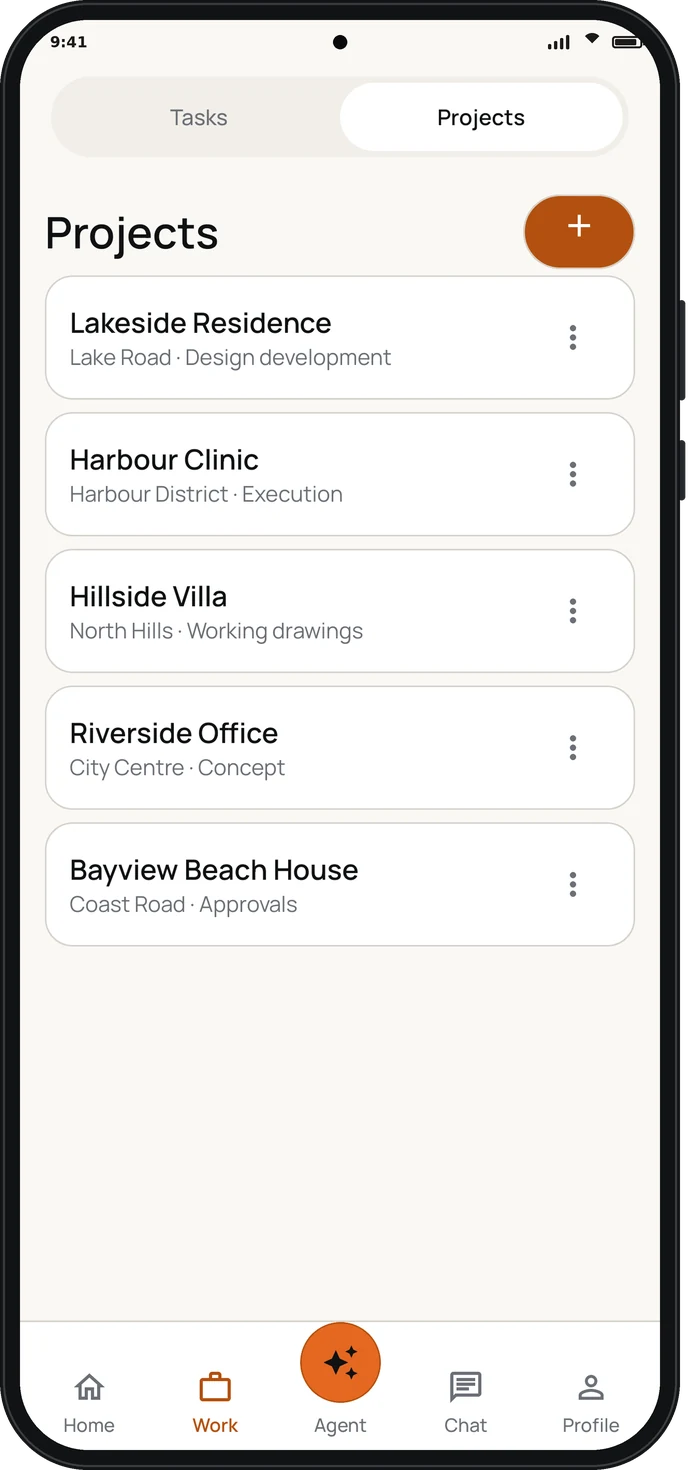
Create projects and choose who works on each. Every project gets its own chat channel.
Tell it what you need
Assign work, or simply ask the Agent. Spaneiro reminds, checks in and follows up for you.

Roles
The right view for everyone.
Runs the practice.
Sees and manages everything. Partners can all be principals.
- Every project and task
- Invites people and sets roles
- Studio profile and activity log
- Makes others principals or managers
The senior in every office.
Acts on the principals’ behalf.
- Every project and task
- Creates and deletes projects
- Chooses who’s on each project
- Invites the team
Does the work.
Sees what they’re part of.
- Projects they’re on
- Tasks assigned to them or by them
- Project and studio chat
- Their own Agent conversations
Privacy & security
Your studio’s work stays yours.
- Stored on Google Cloud, encrypted
- Never used for advertising
- Each person sees only the studios, projects and chats they belong to
- Google Calendar connected only by choice — disconnect any time
- The AI runs within a fixed monthly allowance: no surprise bills

Questions
Good to know
Which devices does Spaneiro work on?
Spaneiro is an Android app, coming soon to Google Play. It runs on Android 8.0 and newer. You can also use it in a web browser at app.spaneiro.com.
How do team members join?
A Principal or a Manager invites them by email or mobile number and lets them know. They sign in with that email address or number within 7 days, and they’re in.
Do we have to connect Google Calendar?
No. Calendar is optional and connected only by choice; you can disconnect it at any time.
Does it replace my office staff?
No. Spaneiro assists your team and takes the chasing off your plate. People stay in charge: when you ask it to do something, it shows you what it did. On its own, it only reads and lets you know — like the morning briefing, or an alert when important mail needs you.
How much does it cost?
Each studio chooses a plan — Starter, Studio or Pro — and pays for it on the Spaneiro website, by UPI or card, a month or a year at a time. A year costs the same as 10 months. Each plan includes a set number of people, and each extra person adds a set monthly charge. Your first month is free, with no payment details. Before it ends, and before each paid period ends, we send your studio a payment link by WhatsApp or email — nothing renews or is charged automatically. After each payment, you get a receipt. Larger practices can talk to us about Enterprise. Join the pilot and we’ll share pilot pricing.
Design more.
Chase less.
We’re welcoming a small number of architecture and interior design studios into the pilot. Tell us about your studio and we’ll set you up.